Zero Line Upgrades & Cash Priority
Spend boosted cash on flight power first — optics next, cosmetics when the kit already works.
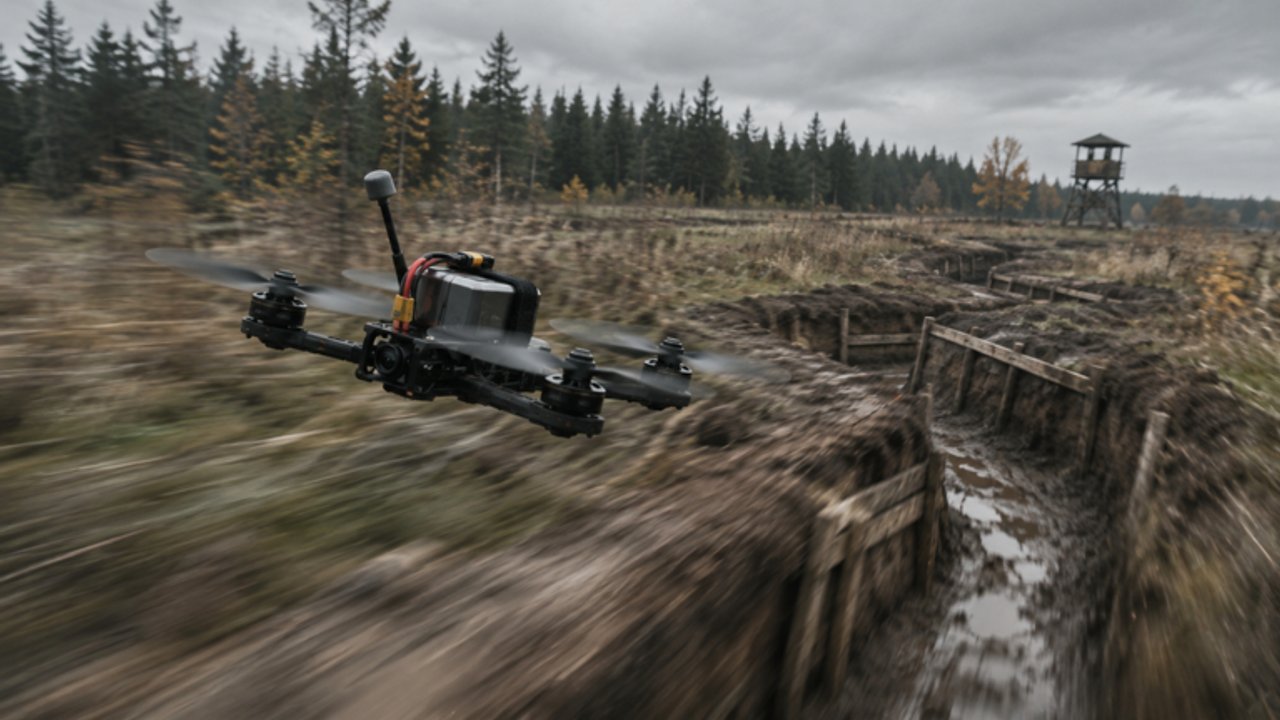
Every clean dive in Zero Line is easier when your drone’s batteries, propellers, antennas, and cameras match the fights you take. This upgrades guide explains how to earn cash efficiently, what to buy first across the three drones, when night vision and thermal cameras deserve a slot, and when camo skins or outfits are actually worth it. Pair it with Missions for daily income and Codes for promo spikes. Meta snapshots live on the Tier List Hub.
Remember the permanent economy cheat code from Getting Started: join the Pushpin Gaming group for +20% cash and rejoin so it applies. Upgrading without that bonus is playing on hard mode for no reason.
How cash enters your account
Zero Line pays for successful combat, mission turn-ins, and occasional codes or events. Think in three buckets:
- Baseline combat — destroys on players, trucks, helicopters, and enemy drones. Consistency beats highlight greed.
- Daily and weekly missions — structured objectives that convert playtime into predictable cash. Prioritize easy completes when you are broke.
- Codes and events — irregular but high value. Check Codes at session start; watch Updates for XP or cash event branding (including windows like 2X XP).
Cash you do not spend on power is fine — hoarding for one big antenna jump can be smart — but dying repeatedly with a full wallet and a stock battery is the classic beginner trap.
The upgrade families explained
Batteries
Batteries buy airtime. Longer sorties mean more chances to finish a daily before you respawn-walk of shame. Batteries also forgive navigational mistakes: you can abort a bad dive and still hunt again on the same life.
Buy batteries when: you constantly run dry mid-approach, or you abandon missions because the drone dies of “time,” not enemy fire.
Propellers
Propellers improve thrust authority — climbs, corrections, and the ability to reshape a dive without stalling into dirt. They make Controls practice feel fairer because inputs translate into motion instead of mush.
Buy propellers when: you can aim but cannot recover altitude after a missed pass, or shallow dive corrections feel sluggish.
Antennas
Antennas support signal resilience at range. If the feed softens when you hunt across the map, antennas turn “maybe” fights into readable ones. They do not replace closing distance; they widen the bubble where closing is optional.
Buy antennas when: you regularly engage past comfortable visual range, or you lose picture before the kamikaze commit.
Night vision (NV)
NV lifts dark sessions so players and vehicles stop blending into shadow. It is a situational multiplier: amazing at night or in dim interiors, less critical at noon on bright maps.
Buy NV when: a big chunk of your playtime is evening/night, or you miss targets you only see after you are already too close.
Thermal cameras
Thermal helps separate targets from clutter. Trucks and players pop against busy backgrounds. Some bright scenes may feel flatter — learn when to toggle back to normal view as taught in the controls guide.
Buy thermal when: you lose targets in debris, foliage-like clutter, or chaotic multi-drone skies, and you already have respectable battery/propeller tiers.
Camo skins and outfits
Skins and outfits change silhouette and style. Camo can help you break outlines against certain backdrops, and outfits scratch the collection itch. They rarely fix a dead battery.
Buy cosmetics when: core flight upgrades for your main drone feel “good enough,” you have mission streaks covered, or a specific camo clearly matches how you hunt.
Recommended priority order (default)
For most new and mid pilots on any of the three drones:
- Battery to a comfortable mid tier.
- Propellers to match that battery so you can actually use the airtime.
- Antenna once you leave close-quarters farming.
- Thermal or NV based on when you play (thermal for clutter ID, NV for darkness).
- Second-pass battery/propeller if fights still feel short or mushy.
- Skins / outfits for identity and situational camo.
Adjustments:
- Gun-first pilots may value antennas earlier to track enemy drones at range before committing.
- Pure kamikaze truck farmers may rush propellers for dive reshape, then batteries.
- Night owls insert NV earlier without skipping the first battery buy.
Cross-check the Tier List after patches — if a drone’s identity shifts, your upgrade emphasis might lean gun sustain versus dive punch. The list does not replace this priority spine; it flavors it.
Session spending rules
Use rules, not vibes:
- Never spend your last cash on a skin if the next battery tier is on screen and you are failing dailies from short flights.
- One upgrade category per shopping trip early on. Spreading 1-point buys across five trees teaches nothing about breakpoints.
- Test after purchase. Buy propellers, then fly the 10-minute warm-up from Controls. If you feel nothing, you misread the tier or need sensitivity fixes instead.
- Mission first, shop second when a daily is one destroy away. Cash in hand after turn-in stretches further with the group bonus.
Earning routes ranked for upgraders
- Easy dailies — fastest reliable cash per minute for broke accounts. See Missions.
- Soft PvP / truck routes you already hit consistently — do not invent a new heli meme while saving for antennas.
- Weeklies — chunkier payouts; chip at them across days instead of forcing them in one tilted night.
- Codes — whenever active; redeem before you grind so bonus cash multiplies effort.
- Event multipliers — during XP-focused events you may still gain indirect economy via faster levels and unlock pacing; read Updates for what the banner actually buffs.
Avoid “infinite death heli” farming when your accuracy is below 20%. You are buying respawn timers, not upgrades.
Three-drone upgrade mindset
You do not need mirror-perfect kits on all three drones on day one. Pick a main, push its battery/propeller spine, then keep a budget secondary for missions that favor guns or alternate flight feels. Spreading cash evenly across three airframes delays every breakpoint.
When a mission demands a drone you neglected, either swap objectives or spend the minimum to make that drone controllable — usually one battery and one propeller step — then return to the main.
When optics beat more speed
If you already correct dives well but still “never see them,” stop buying propellers for a night and fund thermal or NV. Detection upgrades change target choice quality; raw speed on a blind pilot just finds dirt faster. Conversely, if you see everything and still arrive late, propellers and batteries deserve the wallet.
Combat application of those sensors is covered in Combat Tactics. Buy the tool, then practice the toggle timing.
Skins without regret
Buy cosmetics guilt-free when:
- Your main drone’s battery and propellers feel responsive.
- You are not skipping weeklies to afford a fit.
- You understand camo is not invisibility — it is a slight read advantage plus style.
If a skin bundle costs more than two meaningful power tiers, finish power first unless you are purely playing for fashion. Zero Line’s fantasy is FPV violence; looking cool while dead every twenty seconds is optional.
Checklist before you open the shop
- Group +20% cash active?
- Any Codes redeemed this session?
- Which mission cash is still on the table?
- Which failure caused the last three deaths: endurance, thrust, signal, or vision?
- Buy the upgrade that answers that failure.
Duplicate this checklist inside Tools for quick pre-queue scans.
After you upgrade — prove it
Power without proof is placebo. After each purchase:
- Run one control drill.
- Take two fights matching the upgrade (long sortie for battery, reshape dive for propellers, ranged hunt for antenna, dark/clutter hunt for NV/thermal).
- Note whether mission pace improved.
- Only then buy the next tier.
This loop keeps you aligned with the Guides Hub philosophy: practical changes, not shopping addiction.
Common upgrade mistakes
- Ignoring the Pushpin Gaming group bonus.
- Maxing skins on a stock battery.
- Buying thermal before you can aim in normal view.
- Splitting cash across all three drones equally too early.
- Chasing tier-list meme builds before finishing Getting Started fundamentals.
- Refusing to read patch notes when an upgrade “does nothing” after a balance pass — verify on Updates.
Stay patient. Zero Line’s 55 levels and mission layer are designed for steady climbs. The pilots who look cracked in month two usually bought boring batteries on week one.
Frequently Asked Questions
Quick answers to the most common Zero Line questions.
What should I upgrade first in Zero Line?
Start with batteries for airtime, then propellers for thrust and dive corrections. Add antennas for range, then NV or thermal based on when and where you fight.
Are camo skins worth buying early?
Usually no. Skins and outfits are fine after your main drone’s battery and propeller tiers feel solid and missions are not starving for cash.
How do I earn upgrade cash faster?
Keep the +20% Pushpin Gaming group bonus, clear easy dailies, redeem codes when active, and farm targets you already hit consistently.
When should I buy night vision or thermal?
Buy NV if you play in the dark often. Buy thermal when targets disappear into clutter. Both come after basic battery and propeller power for most pilots.
Should I upgrade all three drones equally?
No. Push a main drone’s core upgrades first, keep a budget secondary for awkward missions, and avoid splitting cash three ways too early.