Zero Line Guides & Walkthroughs
From your first launch pad to late-game missions — every practical guide in one place.
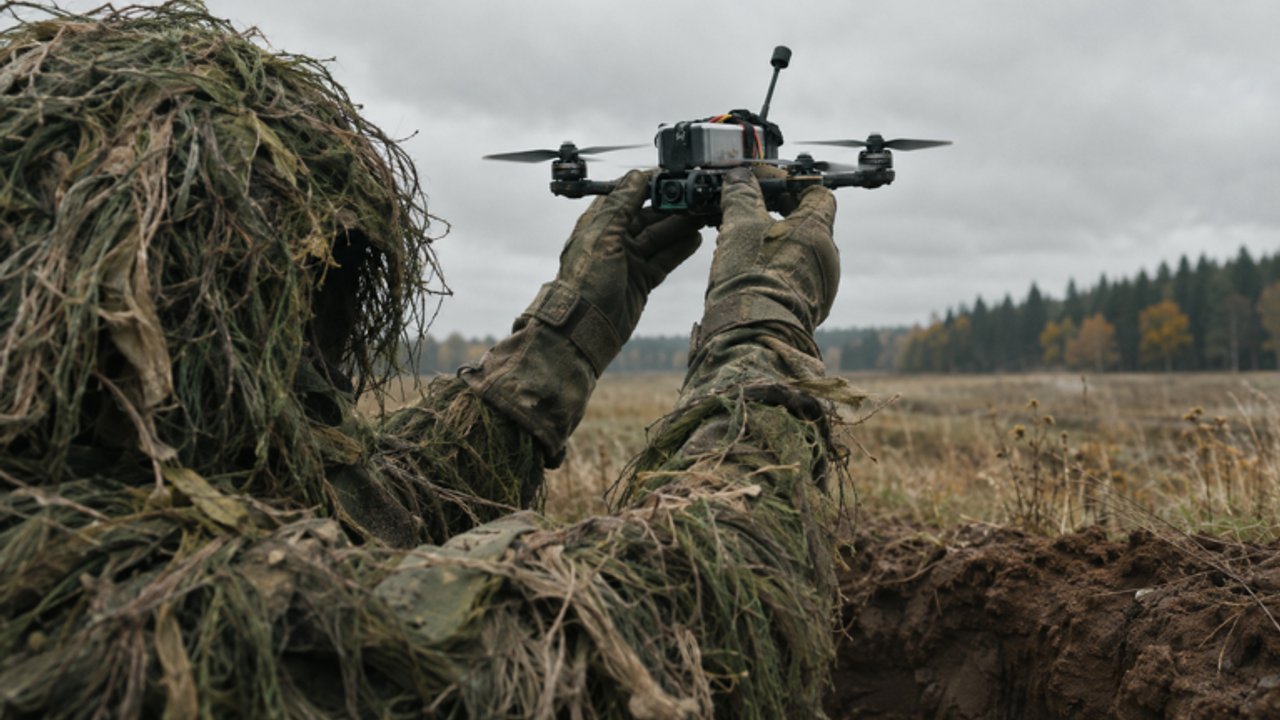
Welcome to the Guides Hub for Zero Line, the Roblox FPV drone kamikaze experience by Pushpin Gaming. This page is your map to every how-to on the wiki: first-hour setup, flight controls, upgrade priorities, combat tactics, and mission streaks. If you only bookmark one wiki section, make it this one — then jump into the child guides as you need them.
Zero Line launched on 20 October 2026 and already pulls hundreds of thousands of visits. The loop is simple to explain and hard to master: pilot FPV drones, kamikaze-dive into enemy players, trucks, and helicopters, or shoot rival drones with onboard guns while you upgrade batteries, propellers, antennas, night vision, and thermal cameras across 55 levels. Daily and weekly missions keep the cash flowing. This hub exists so you do not waste that cash on the wrong parts.
Start here if you are new
New pilots should open the Getting Started guide first. It covers joining the experience, claiming the +20% cash bonus from the Pushpin Gaming group, picking among the three drones, reading the HUD, clearing early missions, and deciding what to upgrade before your second session. Pair it with Controls the moment flight feels slippery — FPV throttle, pitch, yaw, and roll feel different from typical Roblox shooters, especially on mobile and console.
Once you can stay airborne without panic-diving into the dirt, move to Combat Tactics. That guide explains when to commit a kamikaze dive versus when to gun down an enemy drone, how to approach trucks and helicopters, and how night vision or thermal cameras change target reads at dusk and in clutter.
Progression and economy guides
Cash is the gate on everything: better batteries for longer sorties, stronger propellers for climb and dive authority, antennas for signal resilience, and optical upgrades that turn “I think that was a truck” into a clean hit. The Upgrades Guide lays out a practical priority order, when skins and outfits are worth buying, and how missions plus codes accelerate the curve. Cross-check rankings on the Tier List Hub when you want a meta snapshot of drones and loadouts.
Missions are the daily engine. The Missions guide covers daily and weekly objectives, how the 55-level ladder feels week to week, and habits that protect streaks without burning you out. After a patch, skim the Updates Hub so you know whether XP events, balance tweaks, or UI changes alter those habits.
How to use this hub
Treat the guides as a ladder, not a random pile:
- Getting Started — join, group bonus, first missions, UI tour.
- Controls — PC, mobile, tablet, and console FPV inputs plus camera modes.
- Settings — sensitivity, NV/thermal habits, FEEDBACK / BUG reports.
- Cash Farming — +20% group cash, missions, and 2X XP spend rules.
- Upgrades Guide — cash routes and upgrade order.
- Combat Tactics — dive lines, gun fights, NV/thermal reads.
- Missions — dailies, weeklies, level progression.
Between sessions, open the Tools Hub for checklists (warm-up, upgrade path, sensitivity notes) and the Codes Hub for any active promo rewards. Multiplayer etiquette, server picks, and bug reporting live on the Players Hub.
What good Zero Line sessions look like
Strong sessions share a pattern. You redeem codes if any are live, confirm the group cash bonus is active, clear the easiest daily missions while your aim warms up, then spend cash on the next battery or propeller tier before chasing flashy skins. You practice one combat idea — for example, shallow truck approaches or thermal-only target ID — instead of random death spirals. You leave when tilt rises, not when the battery metaphorically dies of frustration.
Guides on this wiki stay practical on purpose. We will not pad pages with filler lore or invent patch notes. When Pushpin Gaming ships a change (including event branding like 2X XP windows), we point you to where to verify it and how it affects the guides above. If something in a guide conflicts with the live client, trust the client, then check Updates and the in-game Settings gear under FEEDBACK / BUG so the studio hears about broken tooltips or mismatched rewards.
Related reading outside Guides
- Codes — redeem steps and active lists when promos drop.
- Tier List — drone and upgrade meta snapshots.
- Players — multiplayer etiquette and group benefits.
- Updates — how to track patches and events.
- Tools — printable-style checklists for upgrades and warm-ups.
- Scripts — only if you already understand the risks; guides never require scripts.
Use this hub as your table of contents. Dive into one guide, apply it in a short session, then come back for the next link. That rhythm beats doomscrolling every tip video without flying a single clean sortie.
Frequently Asked Questions
Quick answers to the most common Zero Line questions.
Which Zero Line guide should I read first?
Start with Getting Started for join steps, the Pushpin Gaming group cash bonus, and first missions, then open Controls before serious combat.
Do these guides work on mobile and console?
Yes. Zero Line supports PC, mobile, tablet, and console. The Controls guide covers platform differences for FPV flight and camera modes.
Where do upgrades and missions fit in?
Use the Upgrades Guide for cash priority and the Missions guide for daily, weekly, and 55-level progression tips after you can fly stably.
How often are these guides updated?
We revise after meaningful patches and events. Cross-check the Updates Hub and the live Roblox game page when something feels off.
Are scripts required to follow these guides?
No. Every guide assumes a normal client. Scripts are optional, risky, and never required for learning FPV combat or missions.